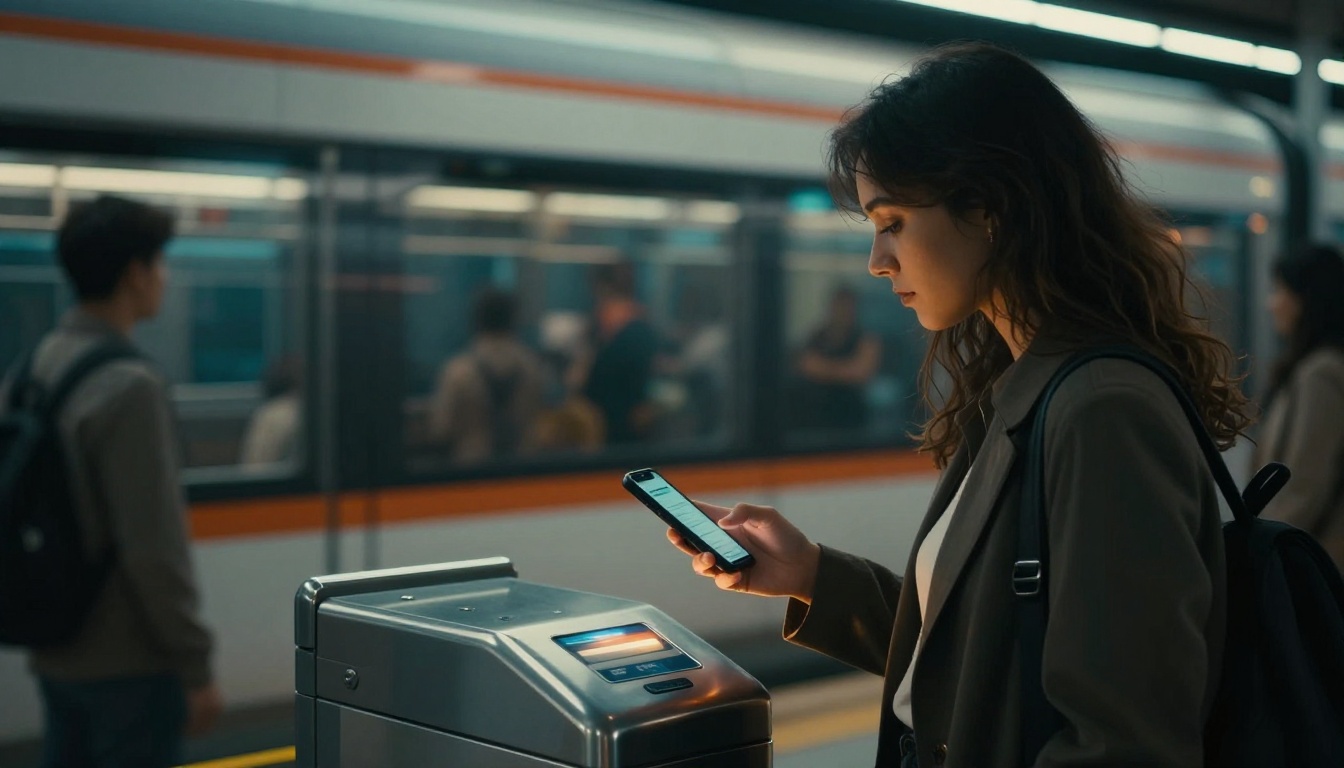
Ever try to board with a crumpled paper ticket while the line keeps moving? Or fumble for exact change as the bus pulls up? Frustrating, right?
Modern train ticketing systems and bus ticketing now focus on one goal: get you on the vehicle fast. Instead of paper tickets and slow booths, you’ll use apps, taps, and QR codes. In fact, US riders increasingly expect open-loop contactless payments, so many people can ride with no app setup. Recent 2026 data points to strong contactless expectations, with 94% wanting contactless open-loop options like tapping a bank card or phone.
Still, there’s a lot going on behind the scenes. This guide breaks down how you buy, how you validate, and why it’s secure. You’ll also see the newest trends making boarding faster and fares easier to manage.
Let’s walk through it step by step, starting with the easiest ways to get a ticket today.
Your Easy Guide to Buying Train and Bus Tickets Today
Buying today is usually quicker than you think. You choose a method that fits your style, then the system does the math.
In most US areas, you’ll see some mix of:
- Apps and websites (with QR codes or account-based ticketing)
- Contactless payments (tap a card, phone, or smart card)
- Ticket machines (for printed barcode tickets, or cash users)
Here’s a quick comparison to set expectations:
| Buying method | What you do | Best for | What you get |
|---|---|---|---|
| App or website | Pick route, pay, then show a code | Tourists and regular riders | QR ticket or saved trip |
| Account-based ticketing (ABT) | Link a payment method to an account | Fare caps and “best fare” pricing | Auto pricing and caps |
| Contactless tap (open-loop) | Tap when you board (and sometimes exit) | Fast boarding, no app | Auto-charged fare |
| Station/bus machine | Select route and print | Cash or backup option | Printed barcode ticket |
Even better, many systems now work across modes. You might pay for a bus and train trip without treating them like two separate worlds.
Apps and Websites: Get Tickets in Seconds
Most apps follow a simple pattern: plan, pay, ride. First, you download the agency app (or a partner app). Then you choose your route and time.
Many agencies also support account-based ticketing (ABT). With ABT, you link your payment method to your account. As a result, the system can apply fare caps and “best fare” pricing across trips.
For example, Greater Lynchburg Transit Company (GLTC) launched account-based ticketing with fare best pricing and fare capping features through Masabi’s ABT announcement. That’s the same idea you’ll see in other US systems as they modernize.
To make it feel real, here’s a typical train example:
- Open the transit app and search your start and end stations.
- Pick the trip you want, then choose your payment method.
- After payment, the app generates a QR code or stores your ticket.
- When you board, you show the code (or tap, depending on the system).
If you rely on planning apps, you may also see integration with map tools. That saves time because you can match stops, times, and transfers in one place.
You’ll notice one thing: apps aim to reduce friction. They help you skip lines, avoid guesswork, and travel with fewer steps.
Contactless Taps: No Ticket Needed Upfront
If apps feel like extra work, contactless is often the easiest route. You tap a bank card, phone, watch, or smart card at the reader. Then the system charges your payment method based on your trip.
This works because many transit systems use what’s often called open payments. In other words, you do not need to buy a special transit ticket first. You tap like you would in a store.
In March 2026, expectations are clearly trending this way. Riders want quick taps, and many systems support it with EMV readers. In practice, that means you can ride even as a last-minute commuter or visitor.
If you want a concrete example, you can see how Puget Sound supports tap-to-pay through myORCA’s contactless guidance. You can tap with cards or mobile wallets, and the system handles fare collection for participating modes.
Another example: WMATA introduced contactless payment on Metrobus with Tap. Ride. Go.. That kind of rollout is common across the US right now.
There are two common styles:
- Tap-and-pay (single fare): You tap, then a set fare applies.
- Pay-as-you-go (tap in and tap out): You tap at entry and exit. Then the system calculates the exact fare.
For pay-as-you-go, you’ll tap at the start and again at the end. After that, you just ride. No ticket purchase required.
Station Machines for Quick Prints
Even in 2026, ticket machines still matter. They’re the fallback for cash users and a backup when phones run out of battery.
A typical machine experience looks like this:
- Choose your route or destination.
- Pay with cash or card.
- Print a ticket that includes a barcode (or QR).
Then you validate when you board, usually by scanning or presenting the printed code to a reader. Some systems also keep older ticket options during transition periods. That’s helpful when riders have cards and habits from past years.
Machines are less common in places that push contactless, but they still show up at stations and at larger bus stops. So yes, you can still travel without an app if you prefer paper.
Proving Your Ticket: Fast Ways to Check In and Board
Buying is only half the story. The other half is validation.
Validation tells the system, “This rider is on board right now.” Then the fare rules can apply. It also speeds up boarding by reducing awkward questions and paper handling.
Most systems use one of these validation methods:
- NFC taps at readers (phones/cards/watches)
- QR scans from your phone (or from a printed barcode)
- Tap in and tap out for pay-as-you-go pricing
- Handheld scanners for inspectors and spot checks
The big benefit is simple: you do not need to wave papers or hunt for the right pass. You follow a quick motion and keep moving.
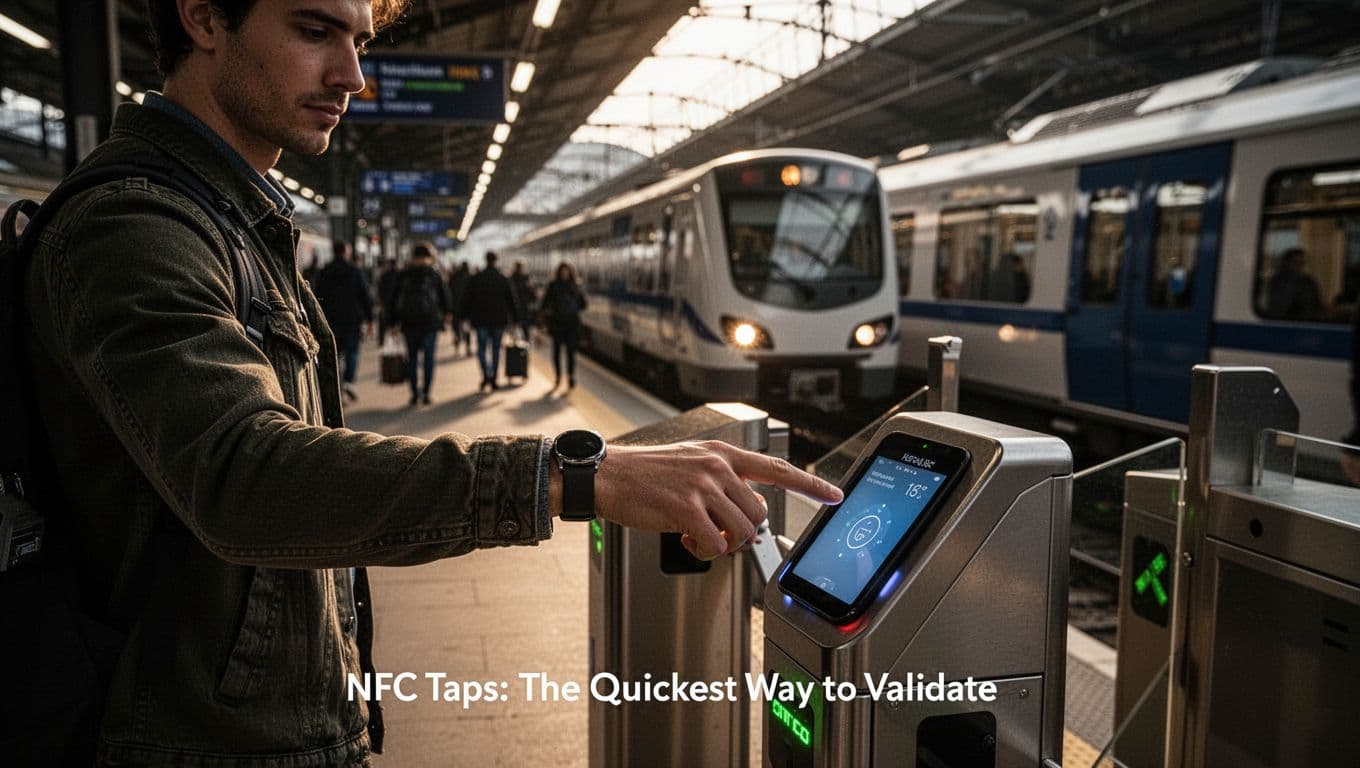
NFC Taps: The Quickest Way to Validate
NFC stands for near-field communication. It’s the short-range tech behind most contactless taps.
When you tap your card or phone on a reader, the reader and your device exchange a small secure signal. Then the system confirms your validation. After that, you can enter or board.
NFC validation usually works through:
- Phone NFC (for supported wallet apps)
- Contactless bank cards
- Smart transit cards
- Wearables like watches (when enabled)
Because the tap time is short, it helps with bus doors and train gates. You get a smooth flow, especially during rush hour.
Also, NFC systems can update over time. For example, validators can be swapped or upgraded as payment rules change. That keeps stations flexible as agencies modernize.
If you want a simple technical background on why NFC works so fast, see how NFC ticketing works in public transport. It’s a good way to connect the “tap” you feel with the “data check” happening underneath.
One gotcha: if the reader doesn’t respond, try holding the device still for a moment. Many riders tap while moving. Slowing down slightly can help.
QR Codes: Show and Scan from Your Phone
QR validation is the next most common method. Here, your app shows a QR code, then a scanner reads it. Sometimes the scanner works even if your phone is offline. That depends on the agency’s design, but many apps include offline ticket support.
QR validation can feel familiar because it’s like scanning a restaurant code. You hold your screen near the reader and let it scan.
QR also helps when agencies want a clear “ticket view.” For example, it’s easy to confirm you’re holding the right ticket because you see it in the app.
Still, QR validation adds one extra habit: keep your phone awake. If your screen times out, the code disappears. So before you reach the validator, take one quick second to check your display.
In addition, inspectors may scan QR tickets with handheld devices. If your code shows correctly, the check is usually quick.
Check-In and Check-Out for Smart Fares
Pay-as-you-go systems try to make fares fairer. Instead of paying a flat price for every ride, they calculate cost based on your travel.
That typically means you tap in at the start. Then you tap out at the end. The system uses those timestamps and locations to compute the fare.
After the fare is calculated, many systems apply additional rules. Common ones include daily or monthly caps. So if you ride a lot, the system stops charging above a maximum.
Rail systems often use this approach. It’s also expanding in regions with newer payment hardware. You’ll notice the main pattern each time you ride: tap once, ride normally, tap again when you exit.
If you forget to tap out, the system may charge a default fare. Some agencies fix that after you submit an issue. However, it’s best to avoid the hassle.
As a rider, your job is easy: two taps, done.
The Tech, Security, and Smarts Behind Ticketing Systems
Ticketing systems combine simple front-end actions with heavy back-end work. You tap or scan, and the system handles the rest.
On the rider side, you see familiar tech:
- NFC readers for contactless validation
- QR scanners for codes
- Barcode printers for older tickets
- Mobile wallets and ticket apps
On the agency side, the back end links payments to trip history. It also applies fare rules and checks for fraud.
It helps to think of the workflow like this. Your device is the key. The reader is the lock. Then the cloud checks your “ride status” and sets the correct price.
Core Technologies Driving the System
At a high level, most transit ticketing relies on a few proven building blocks.
NFC and contactless handle fast tap-ins. Your payment method sends a token or identifier. Then the reader confirms it with the system.
QR codes and barcodes handle paper and phone tickets. They often encode a ticket reference the system can verify.
Mobile wallets connect your payment method to the device. Instead of giving transit your full card number, token systems often hide sensitive data behind secure tokens.
And in-train and in-station connectivity helps update the system. In many networks, devices can check online in real time. Even when connectivity dips, systems often support offline validation modes.
Finally, many agencies use ride planners and trip info feeds. That helps apps show you what to do next, not just where to go.
If you’re curious how standards fit in, many agencies use shared formats for schedules and stop data. That makes it easier to build apps and improve trip planning.
Backend Magic: Managing Data and Fares
The back end is where the system becomes “smart.” It can track trips, apply fare logic, and store account activity.
For ABT (account-based ticketing), the system usually connects:
- Your account ID
- Your payment token or linked card
- Your tap or scan events
- Your trips (with time and route rules)
Then it applies pricing rules. For example, it can apply fare caps so frequent rides become predictable.
Many agencies also use GPS, automatic vehicle location (AVL), and time stamps. That helps when trips cross boundaries or when vehicles change slightly.
Also, multi-city or multi-agency payments require data sharing. Agencies often connect through APIs and agreed data models. That’s how a tap can still mean the right fare when your journey involves more than one operator.
To riders, all of this looks like one thing: you tap, then you get charged correctly. Under the hood, it takes a lot of careful rules and data checks.
Rock-Solid Security to Protect Your Ride
Security matters because payment systems face fraud attempts. So ticketing platforms use multiple layers.
Common protections include:
- Encryption for data moving between reader and back end
- Tokenization to avoid sharing full card details
- Fraud checks triggered by unusual tap patterns
- Secure login for apps (often with biometrics or passcodes)
- Account linking rules that reduce misuse
Another important part is audit and reporting. Agencies can review ride and payment events. If something looks off, they can investigate quickly.
Also, systems support offline validation for readers. Inspectors then verify tickets with a mode that matches the network’s rules. That way, validation still works during outages.
The security goal is simple: protect both riders and agencies. It should be easy for you, and hard for fraud.
What’s New: Trends Making Travel Even Smoother
Ticketing keeps improving, and 2026 shows a few strong patterns.
The big theme is freedom. Less paper. Fewer steps. Better pricing. Also, more trip options in one place.
Tap and Go Pay-As-You-Go Freedom
In many systems, “tap and go” means you do not buy a ticket for each ride. Instead, you tap as you enter and leave.
Then the system figures out the fare. After that, it may apply caps automatically. So frequent riders do not get stuck with surprise totals.
This also helps people who ride at odd hours. You can grab a bus without planning ahead. Then the system still charges correctly.
Because contactless is now so common in US life, many agencies now treat open-loop taps as a default. That aligns with the broader US payment behavior where most consumers use contactless daily.
And when fares are calculated automatically, boarding often feels faster. People stop searching for the right pass.
One App for All Your Travel Needs
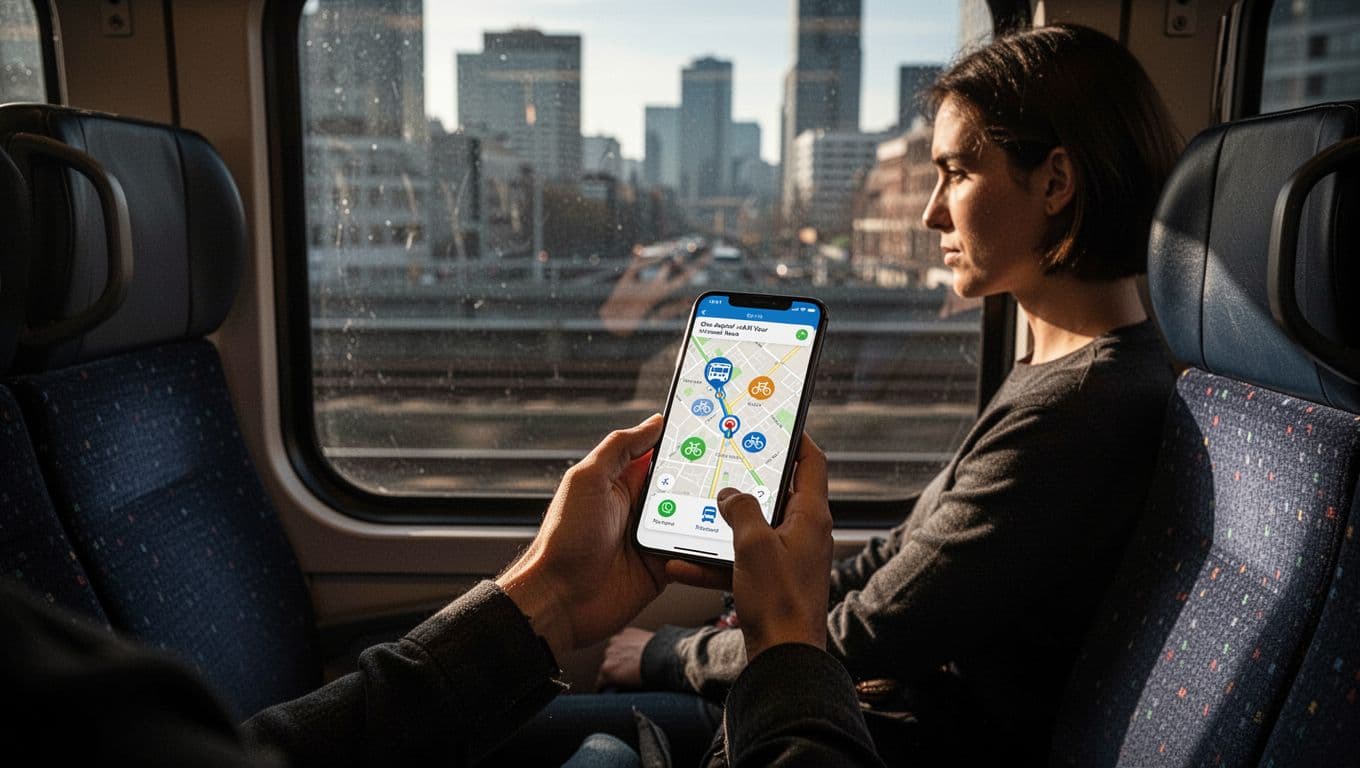
Another trend is Mobility-as-a-Service (MaaS). The idea is to combine trip planning and payment across multiple modes. Think bus, train, bike, and sometimes rideshare connections.
In practical terms, you might open one app, plan a trip, then pay within the same flow. Some MaaS systems also connect to maps for easier transfers.
If you want examples of how agencies structure these MaaS efforts, check the MaaS Resource Center example systems. It’s useful when you want to see how different places solve similar problems.
This matters because your travel is already multimodal. You do not start at the station and end at the station every time. You walk, you transfer, and you adapt. A better ticketing system fits that reality.
So in 2026, the newest ticketing systems aim to reduce mental load. You focus on getting there, not managing fare rules.
Conclusion: Your Next Ride Will Feel Easier
If you remember one thing, make it this: modern train ticketing systems and bus ticketing are built around fast buying and fast validation.
You can usually choose between an app, a contactless tap, or a quick machine print. Then you validate with NFC, QR, or tap in and out. After that, the back end handles pricing rules, including fare caps.
The tech under the hood runs on secure tokens, encryption, and trip event data. That’s why a tap can feel effortless, while the system still protects your payment.
Next time you ride, try the method that fits your day. Download the app once, or use contactless on your next trip. Then notice how much less time you spend at the gate.