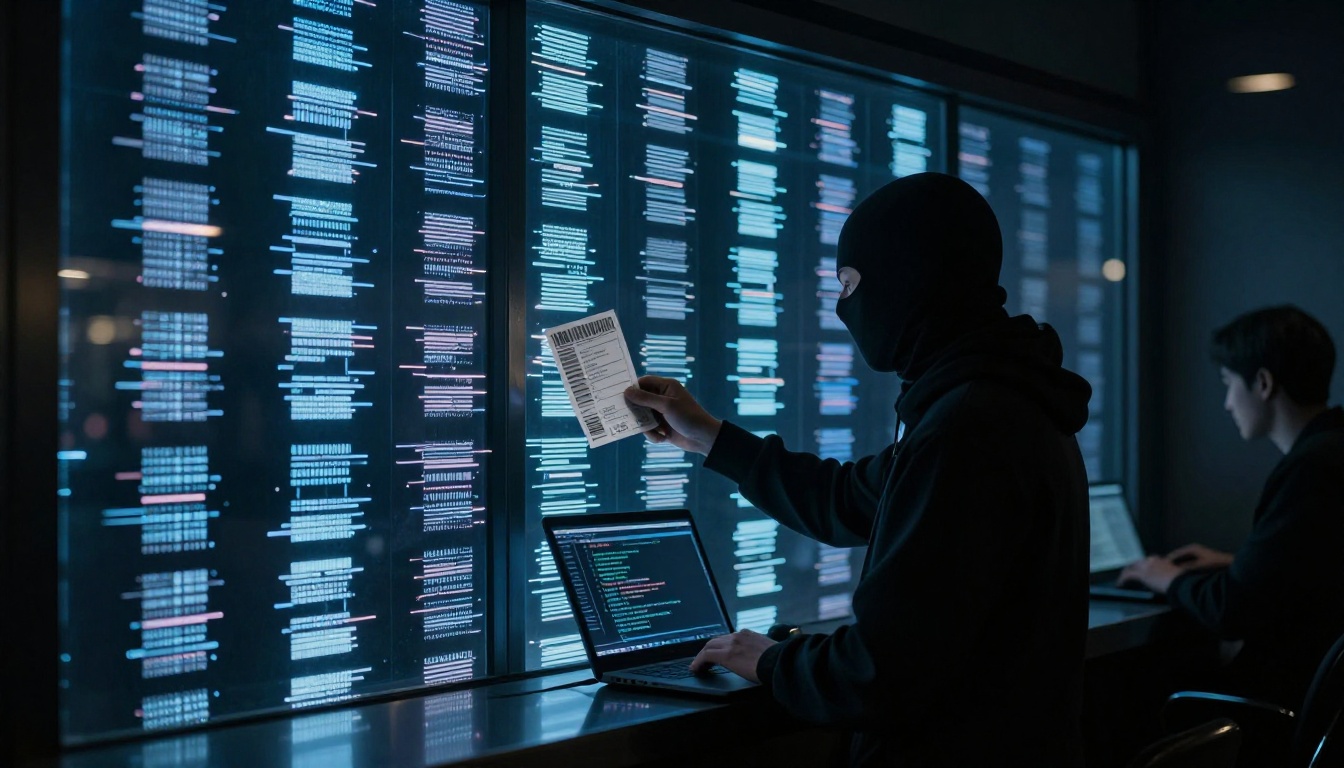
Ever tried to buy tickets in a rush, then watched the page freeze or the confirmation email never show up? That sinking feeling is more common than you’d think. In 2026, high demand makes event ticket problems worse, and fraud moves fast too.
Right now, fans are running into fake tickets, scalpers and bots, site crashes, delivery delays, and refund fights. Some of it comes from bad actors. A lot of it comes from how ticketing systems hold up when millions try to check out.
The good news? You can spot many issues early, avoid the worst traps, and protect your money. Next, let’s start with the biggest threat: scams and fake tickets.
How Fake Tickets and Scams Trick Fans
Scammers love one thing: urgency. When an on-sale time hits, people move fast, and that’s when fake listings look most “believable.”
In early 2026, bot activity is a major driver of ticket fraud. One recent report noted 83% of traffic on US ticketing sites comes from automated bots, and about a third of that is scalping bots that snap up tickets in seconds. That speed helps fraudsters, because they can post fake listings and counterfeits before buyers notice anything off.
Fake-ticket scams often come in a few common forms:
- Fake websites and cloned pages that mimic real sellers.
- Resale listings that never deliver, or deliver tickets that fail at entry.
- Phishing emails and DMs that push you to pay through payment methods that are hard to reverse.
Sometimes scammers even use stolen accounts to make a “real person” seem trustworthy. They may also push buyers toward bank transfers, Zelle, or gift cards, which can make recovery tough.
If you want a real-world example, a report about Coachella ticket scams highlighted how scammers target buyers right before major festivals, then rely on fear and speed to get payment. You can read more about the warning signs in how to avoid ticket scams for Coachella.
Spotting Fake Tickets Before It’s Too Late
Red flags usually show up before the event day. The trick is catching them while you still have time to back out.
Here are practical signs a ticket offer might be fake:
- The price is too good to be true, especially compared to official resale or typical market rates.
- The seller can’t explain delivery details clearly (or keeps changing the story).
- The ticket is tied to an app or platform you’ve never heard of, with no clear verification steps.
- Screenshots replace proof (you only see images, not a verifiable barcode or wallet transfer process).
- The listing uses rushed urgency language, like “last chance” or “payment required now.”
Scammers also lean on social media and email phishing. For example, one fan warning described how a buyer ended up with invalid tickets after an online purchase, sharing what went wrong and why it mattered. You can see that story in a warning about fake online event tickets.
Also, consider this simple rule: if the seller won’t meet you where tickets can be verified, don’t buy. You’re not being picky. You’re protecting your budget and your night.
A good baseline is to stick to official ticketing channels or verified resale networks when they’re available. If you must use a reseller, verify early, not hours before doors open.
The Dangers of Buying from Resellers
Resale can be helpful, but it can also feel like buying from a maze. Some platforms use guardrails. Others don’t. And when demand spikes, counterfeit tickets can flood the market.
One reason it gets worse is that fake tickets may look real at first glance. They can include convincing QR codes or printable barcodes. The problem appears at entry. If a ticket doesn’t scan, you don’t get “a fix.” You get turned away.
A warning story around the Super Bowl LX ticket market described scam risks and what happens when fans believe an offer that doesn’t match reality. It’s a useful read for understanding how scams surface and why “official-looking” claims can still fail. See Super Bowl LX tickets scam warning from KQED.
The smartest approach is to treat resale like a safety check, not a thrill purchase. Verify the exact delivery method, then verify the transfer works for your account. If the process feels messy, walk away.
Scalpers and Bots Stealing the Show
Scalping is older than the internet. Bots make it modern.
Here’s the core problem: automated software can buy tickets in bulk the moment sales open. Real fans get stuck with leftovers, and resale prices jump fast. That means you pay more, and you still might not get a seat.
The impact hits everyone:
- Fans pay inflated prices or end up empty-handed.
- Artists and organizers face public anger even when they did not sell the inflated tickets.
- Venues deal with entry issues when counterfeit tickets rise in the chaos.
In 2026, the “race” is often so fast that buyers feel like they’re fighting a timer. Meanwhile, scalpers plan months ahead. They know which events will sell out, so they can target inventory early.
On top of that, laws and enforcement have not erased the problem. They just add friction. And friction doesn’t stop every bad actor.
Why Bots Win Every On-Sale Rush
Bots beat people in line because they don’t blink.
During major sales, the process often looks simple: refresh, pick seats, check out, confirm. Bots handle that routine at machine speed. While you’re waiting for a page to load, bots already grabbed the best inventory.
If you’ve watched chaotic sales for huge artists, you’ve probably noticed a pattern: the site “sort of works,” until the moment tickets become purchasable. Then it fails in ways that feel random. That randomness helps bot-driven resale networks keep momentum.
Traffic surges also increase mistakes. When pages load slowly, buyers abandon checkout. Scalpers benefit from the confusion because they can try again quickly, and they already know which sessions to target.
For high-demand events, your best defense is not “hustling harder.” It’s choosing smarter entry points. Presales, verified fan programs, and carefully planned checkout windows can reduce your odds of being squeezed out by bots.
New Rules Trying to Stop Scalpers
Lawmakers can’t stop every bad actor overnight. Still, the US has put rules in place aimed at bots and pricing deception.
Two key laws show up in 2026 discussions:
- The BOTS Act targets automated programs that buy tickets beyond what’s allowed.
- The TICKET Act focuses on transparency, including upfront pricing and protections tied to canceled events.
In recent updates, the FTC pushed public attention toward fair ticketing, including bot-related enforcement and deceptive practices. The goal is clear: stop “surprise fees,” stop misleading sites, and reduce the advantage bots have at checkout.
However, here’s the catch. Enforcement raises the cost of scamming, so scammers adapt. They may shift to social media, new payment patterns, or less-obvious resale routes.
So the rule of thumb stays the same: use verified sources, verify delivery, and don’t trust the first “easy” offer.
Tech Glitches That Crash Your Ticket Hunt
Sometimes the biggest problem isn’t a person. It’s a system under pressure.
High-demand sales can cause queues to stall, checkout to freeze, or apps to throw errors. When lots of buyers hit refresh at once, ticket platforms can get overloaded.
That’s not new. What’s changed is how many buyers expect instant purchase, and how often multiple presales run back-to-back.
In 2026, reports described short outages and crashes during major sales. Some windows included outages lasting under an hour, others included frozen queues for dozens of minutes. Even brief failures can cost you the best seats, because ticket inventory can move while you wait.
This is also why organized fans now watch status pages and outage tools during on-sale times. When you lose ten minutes, the event sells out.
Common Sale-Day Disasters
Sale day can feel like a stress test. Common glitches include:
- Queues that stop updating or time out
- CAPTCHA loops that never finish
- Checkout freezes at the final step
- Payment errors that don’t explain what to fix
- Login problems right as tickets become available
- App failures, while the mobile browser might still work
If you want a live view of user-reported issues, check Ticketmaster outage updates on Downdetector. It won’t solve your checkout, but it helps you decide whether to wait or switch approaches.
And yes, fans do get loud about it online. When a big sale breaks, people share screenshots, error codes, and “I was in the queue” stories. That frustration is normal. Still, it’s also a reminder to plan for backup steps, like switching browsers, using a mobile network, or trying again after a short outage window.
Delivery Delays, Payments, and Refund Fights
Even if you buy safely, the next stage can still go sideways.
In 2026, delivery issues often show up for a few reasons:
- KYC checks or account verification can delay access.
- Bank payment errors can cause a failed purchase that looks complete at first.
- Cross-border rules can slow delivery for certain events or payment types.
- Organizer settings can change when tickets release (especially for mobile-only entry).
Then you add refunds, and it turns into a new fight.
Cancellations and postponements are stressful. Refund rules can be strict. Some platforms process refunds automatically. Others require you to request them. Either way, you can end up waiting longer than you expected.
Recent FTC attention in this area has focused on clear rules for ticketing practices, including how refunds should work when events are canceled or postponed, and how deceptive pricing and practices harm buyers.
Why Refunds Feel Impossible
Refunds feel “impossible” for a few reasons, even when refunds are allowed.
First, the policy might cover the event itself, not every related expense. Second, timelines can be long. Third, partial refunds can turn into a gray area for buyers.
Then there’s the practical issue: many buyers lose track of proof. If you can’t show purchase details, payment confirmation, and the event update, claims take longer.
To protect yourself, keep these in your inbox:
- Purchase confirmation email
- Order number or receipt screenshot
- Any messages from the seller or organizer
- Event cancellation or postponement notice
If something goes wrong, document it fast. Take screenshots of the order status. Save any error messages. The goal is simple, you want a clear timeline.
Payment and Delivery Hiccups Explained
Payment problems often fall into three buckets: failed payments, duplicated holds, and mismatched account info.
Delivery hiccups usually come down to whether the event uses mobile entry, how the organizer delivers tickets, and when the transfer becomes active. Sometimes tickets are “sold” but not transferable yet.
Here’s a quick reference for what to do when things break:
| Problem | What usually happened | What you can do next |
|---|---|---|
| Payment failed at checkout | Authorization error or bank block | Try again, then confirm with your bank |
| Order shows as pending | Processor delay or verification | Wait briefly, but watch for completion time |
| Tickets not in your account | Delivery not released yet | Check the organizer’s ticket release window |
| Transfer won’t work | Ticket transfer not enabled | Use the platform’s transfer tools or support |
| Event postponed, no refund | Refund request needed or queue delay | Submit a claim and keep proof copies |
The takeaway is this: don’t guess. Treat every issue like a case. Save proof, check the platform’s policy, and contact support only after you’ve confirmed what should happen.
And if you bought from the wrong source, expect slower resolution. That’s one reason verified channels matter so much.
Conclusion
When event tickets go wrong, it usually starts with scams, scalpers, or system overload. From there, problems spread into delivery delays and refund disputes. In 2026, high demand makes every mistake more expensive, and fraudsters move faster than before.
Your best defense is boring, and that’s good. Buy from official or verified sources, watch for fake-ticket red flags, and verify delivery early. If checkout fails, use status checks and backup browsing options instead of panic-refreshing.
If you’ve had a ticket issue this year, share what happened in the comments. What was the moment you realized something was off?