
Submitting a service ticket can feel like tossing a message into a black hole. You hit submit, then you wait, hoping someone saw it.
In most modern helpdesks, you get quick confirmation, then the ticket moves through triage, routing, and actual resolution. And in 2026, AI helps a lot of that happen faster, with fewer back-and-forth messages.
Here’s what typically happens next, step by step, so you know what to expect and how to get faster results next time.
Your Ticket Gets Acknowledged Almost Instantly
The moment you submit, the helpdesk usually sends an automatic acknowledgement. It might show up in your portal, arrive by email, or both. Either way, it confirms your request landed in the right system.
Most teams also use 24/7 routing. That means your ticket doesn’t wait for “tomorrow morning” if you submit after hours. Instead, it gets placed into the queue for the current support shift or the next scheduled team.
Zendesk and similar platforms often support this with built-in workflow options, such as auto-created ticket records and assigned tags from your form fields. If you want a real example of how teams shape the ticket flow on Zendesk, see Zendesk help on streamlining workflows.
What should you do right after submission? Check your email or portal right away. Look for details like a ticket number, service category, and any “next step” instructions. If you don’t see confirmation, check spam filters and verify you used the right email address.
Also, if your ticket includes screenshots or logs, save the originals. Agents sometimes ask for a clearer version later, especially if the first upload was blurry or incomplete.
That quick acknowledgement is more than a courtesy. It’s the first proof that your request is in the system and being processed.
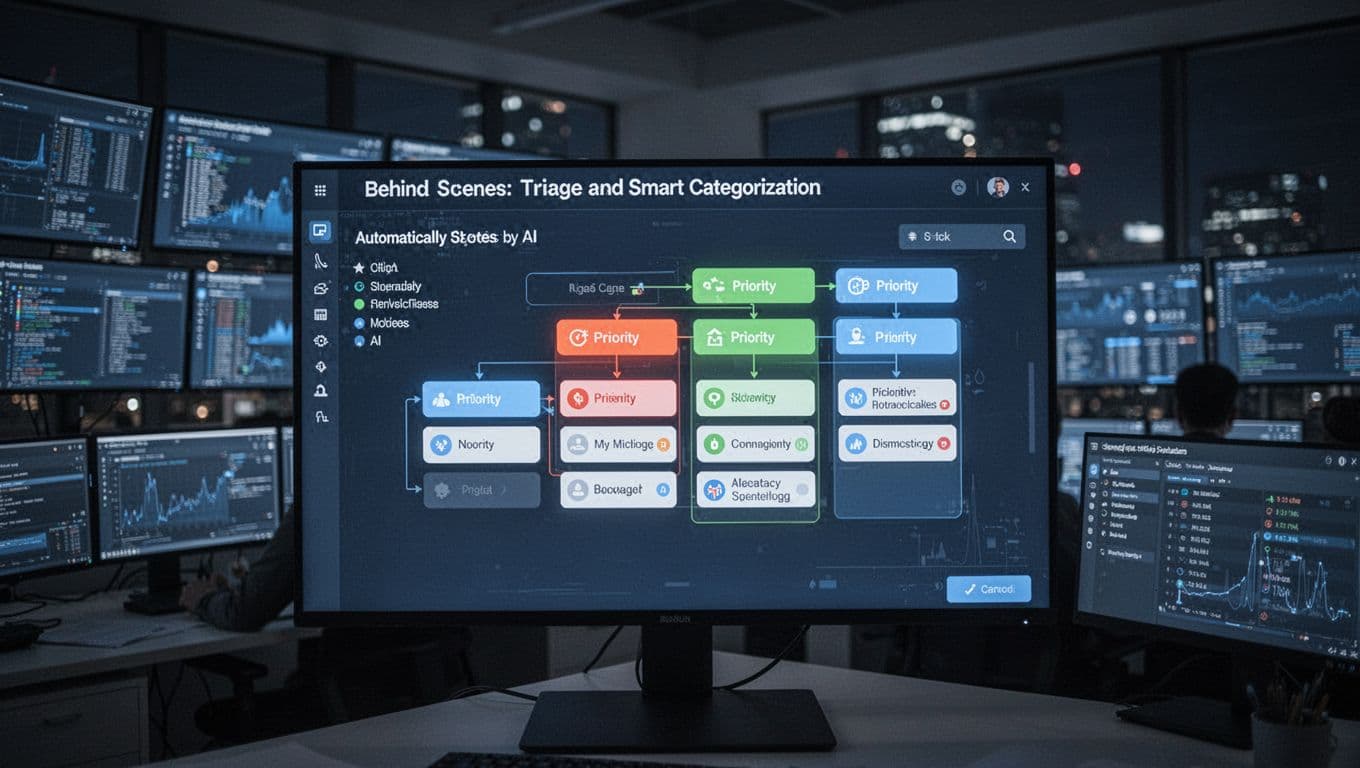
Behind the Scenes: Triage and Smart Categorization
After acknowledgement, your ticket enters the triage stage. Think of triage like sorting mail at a busy office. The goal is to group items by what they are and how urgently they need attention.
Triage usually checks:
- Your issue type (billing, login, outage, bug, setup)
- Any details you entered (error text, product area, environment)
- The impact level (how many users might be affected)
- Past history (same problem, same customer, same known pattern)
In 2026, AI often supports this sorting. For example, it can read your description and auto-suggest categories, tags, and suggested routes. Some setups also use AI to detect intent, like whether you’re reporting an incident versus requesting a feature question.
Priority matters because it changes what happens next. A ticket marked urgent gets attention quickly. A routine question can wait for normal working hours.
AI also helps reduce time wasted on “wrong queue” tickets. If your description points to a known issue area, the system can categorize it before a human even sees it.
Here’s an important mindset shift: triage isn’t deciding whether your request is “important enough.” It’s about getting your ticket to the right next step, fast.
How Priority Levels Are Set
Priority levels typically follow a simple logic: how badly people are affected, and how soon they need a response. Teams commonly use tiers like High, Medium, and Low, or similar labels like “urgent” and “routine.”
A High priority might mean:
- Service is down
- A lot of customers are blocked
- Operations can’t continue
A Low priority might be:
- A general question
- A minor issue with a workaround
- A request for documentation
Most helpdesks connect priority to SLAs. SLAs are the time targets for response and resolution steps. In practice, that means urgent tickets get faster first replies. They may also get faster handoffs to the right team.
ServiceNow users often discuss SLA behavior in incident workflows, including how teams interpret response targets and escalation triggers. For a community discussion on incident SLAs, see ServiceNow incident SLAs.
Even if your ticket doesn’t end up in the top tier, correct priority helps. It reduces delays caused by humans correcting mis-sorted tickets.
Assignment: Finding the Right Expert for Your Issue
Once triage sets the category and priority, the ticket moves to assignment. This is where helpdesks try to find the right person or team to handle your case.
If you’ve ever waited because your ticket went to the wrong queue, you’ve seen why assignment matters. A small routing mistake can add hours or days, even when the agent is helpful.
In many helpdesk setups, assignment uses a mix of rules:
- Skills based routing (your issue matches the agent’s strengths)
- Round-robin (evenly distributing workload among eligible agents)
- Customer routing (certain customers go to specific teams)
- Channel routing (email versus chat versus phone)
In 2026, AI routing support is more common. Systems can match your text with knowledge stored in prior tickets, tags, and product area history. As a result, fewer tickets bounce between agents.
Omnichannel routing also plays a role. If you started on chat and then emailed the ticket, modern helpdesks often link everything into the same case. That prevents agents from asking you to repeat what you already said.
AI-Powered Routing in Action
In the last couple of years, routing got smarter because AI moved from “suggestions” to more automated help. In many setups, the system can make a first routing call without much manual setup.
What changes in 2026? AI is more likely to:
- Interpret multiple intents in one message
- Pull relevant info from knowledge bases
- Draft a reply or a next-action note for an agent
Some platforms now include AI features meant to work out of the box for ticket matching. Others offer AI agent tooling that handles routing and tasks with fewer steps for admins. The exact experience depends on your helpdesk product and plan, but the trend is consistent: less waiting, fewer manual handoffs.
You still have a role here. Your ticket description guides the routing engine. Clear details, correct category choice, and relevant error text help the system assign your ticket to the right expert sooner.
Resolution: Where the Real Fixing Happens
Now we’re past the waiting stage. The ticket reaches the people (or tools) that actually solve the problem.
An agent typically reviews:
- Your ticket history and prior messages
- Related tickets (similar issues, known workarounds)
- Account details and service configuration
- Any logs, screenshots, or steps you provided
From there, resolution often follows a familiar loop. The agent tries a fix. If it fails, they escalate internally or request more info.
In 2026, AI support often shows up as agent assist. It might suggest macros, recommend knowledge base articles, or generate a draft response. In some systems, AI also helps summarize long ticket threads so the agent can get up to speed quickly.
For simple issues, AI can sometimes resolve or close the ticket with less human work. For complex issues, humans still drive the final decision. They handle edge cases, customer context, and any risky changes.
A helpful way to think about it is this: AI speeds up the “first understanding” part. Humans handle the part that needs judgment.
Self-Service Options Speed Things Up
Sometimes, the best resolution is the one you never have to wait for. Many helpdesks now offer AI-powered knowledge that you can use before or during the ticket process.
If your portal includes an AI search box or assistant, you might get suggested answers right away. That can reduce ticket volume, but it also helps you personally. You might solve the issue sooner, without waiting for an agent reply.
Even when you submit a ticket, self-service can still help. Agents often point you to the exact guide that matches your problem. If you follow it quickly, you may reduce back-and-forth.
This is one reason ticket journeys are changing. The fastest resolution is often the one that starts from information access.
Regular Updates Keep You in the Loop
Silence makes people anxious. That’s why most good helpdesks include updates, even when the agent is still working.
Updates can be triggered by several events:
- The agent changes the ticket status (Pending, In Progress, Waiting on you)
- The team requests more details from you
- The ticket moves into escalation
- A workflow rule sends a reminder if you don’t respond
These updates matter because they prevent a common frustration: customers think their ticket vanished. When you get real status changes, you know work is happening.
Many platforms also support automation for reminders. For example, Zendesk includes workflow recipes that bump customers and update ticket status when a reply gets delayed. One example is Zendesk workflow recipe for automated ticket reminders.
There’s another benefit too. Updates create a “learning loop” for teams. When tickets get similar statuses, the team can adjust templates, fix common issues, or update knowledge base content.
If your ticket is marked Waiting on customer, reply as soon as you can. That one step can move your ticket forward faster than any follow-up email.
Closing Your Ticket: Solved and Done
At some point, the helpdesk moves your ticket into a closed state. Usually, that means the agent marked it Solved after you received a working fix or a clear resolution.
What happens next depends on the system and your support contract. Many platforms allow you to reopen the ticket if the issue comes back. Others let you submit new tickets if the problem is unrelated.
Some helpdesks also auto-close tickets that stay dormant. That usually happens when you don’t respond after a request for info. If that occurs, reopening is often possible, but you may need to add details again.
Here’s a quick way to interpret common ticket outcomes:
| Ticket result | What it usually means |
|---|---|
| Solved | The agent provided a fix or answer that resolved your issue |
| Pending | The team needs something from you (or another team) |
| Waiting on customer | You must reply to continue progress |
| Closed | The case is finished, sometimes after inactivity |
The biggest “pro move” you can make is to leave feedback once the ticket is solved. Many systems collect customer satisfaction data. Your response helps improve macros, knowledge base content, and routing rules.
Also, save the final solution text. If you hit the same issue later, you can act faster without starting from zero.
2026 Trends Making the Whole Process Smarter
In 2026, closing workflows are getting smarter in a few ways.
First, AI helps agents find the right solution faster. That reduces “almost fixed” outcomes where you still need a follow-up.
Second, self-service keeps expanding. More customers get answers before a ticket ever reaches an agent. When a ticket does arrive, the knowledge base is often already used to guide resolution.
Third, teams invest more in better routing rules. Instead of relying only on manual judgment, many helpdesks use AI to match tickets to the right queue based on intent and context.
In fact, some ticket workflows focus on prioritizing from the start. For example, an approach to handle priority based on customer importance can be built into Zendesk workflows. If that’s relevant to your situation, see prioritize tickets by importance.
Finally, humans stay focused on what humans do best. That means handling edge cases, complex troubleshooting, and tricky customer communication.
When this works well, you get a clear path: submit, acknowledge, triage, assignment, updates, and closure. Less waiting, fewer surprises.
Conclusion
That frustrating wait after you submit a service ticket usually has an answer. Most helpdesks acknowledge you right away, then sort your case through triage and routing. After that, agents (supported by AI) work toward resolution, and updates keep you from guessing what’s happening.
Your best advantage is preparation. Choose the right category, add clear details, and watch for any requests for more info. If you can solve the issue through the knowledge base first, even better.
Next time you submit, remember the flow and act fast when the system asks for input. What kind of updates do you find most helpful after you submit a ticket? Share that experience, and it can help other people get answers sooner.