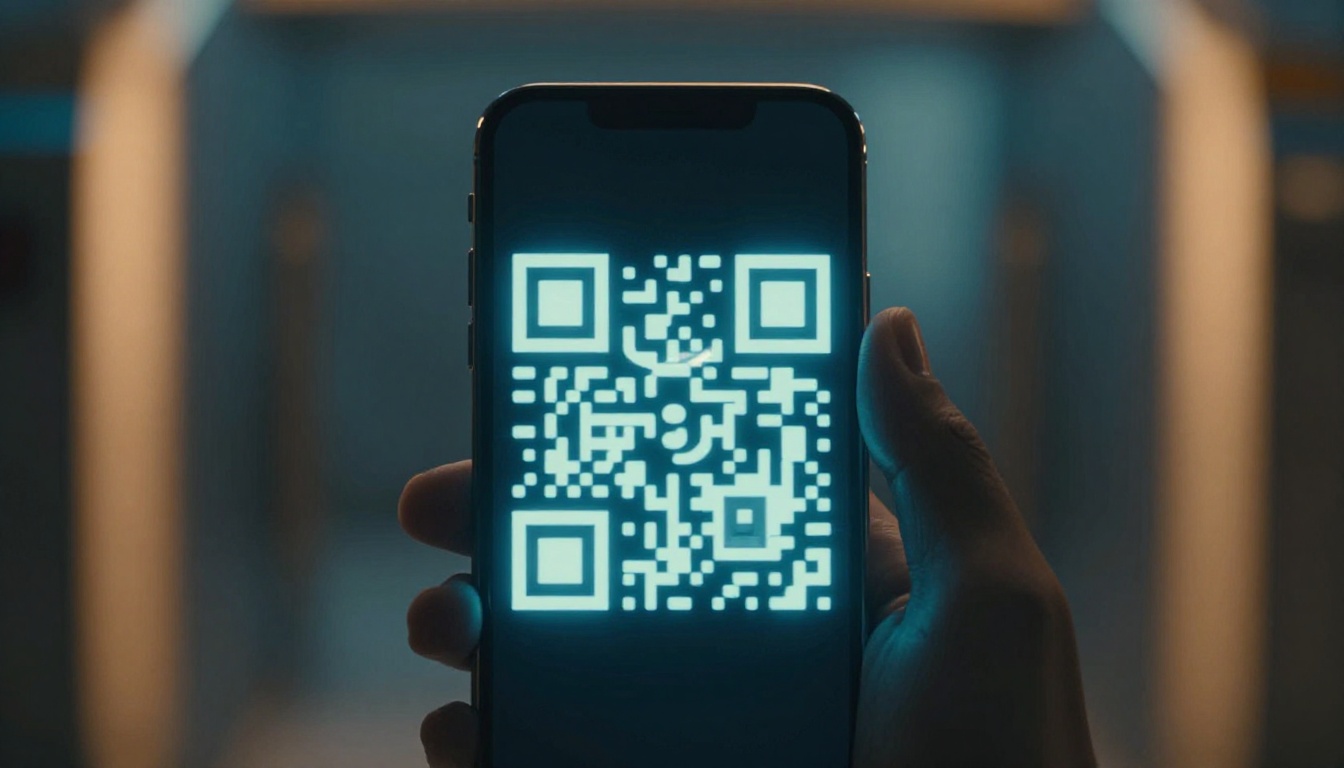
Pulling out your phone at a concert or airport gate beats digging through paper. Instead of searching for a crumpled ticket, you open an app (or a wallet pass) and show what the scanner needs. That’s how how mobile apps manage digital tickets feels in real life: fast, light, and mostly worry-free.
Digital tickets are event, flight, and transit passes stored on your phone. They usually show up as QR codes, NFC tap-to-enter, or wallet passes like Apple Wallet and Google Wallet. Because smartphones are everywhere, this shift keeps growing. In the US, mobile makes up about 50% of total online ticket sales in 2026, and US smartphone ownership sits around 92% (as of 2023).
So what’s happening behind the scenes? You’ll see the key tech that powers entry, the buy-to-scan flow, the security tricks that stop fakes, and examples from real apps. You’ll also learn what can go wrong, and how people handle it when the signal drops. Curious how it all works behind the screen?
What Key Technologies Make Digital Tickets Tick in Mobile Apps?
Digital tickets work because they reduce friction at the exact moment you need access. The app gives you a code or pass, then scanners verify it in seconds. Behind that simple step, the system juggles keys, updates, and fraud checks.
Most entry methods fall into three buckets: QR codes, NFC, and wallet apps. Each one solves a different problem, and many apps use more than one so you’re covered.
QR Codes: The Go-To for Fast Entry
A QR code is a square barcode that scanners can read quickly. When your ticket loads in the app, it generates or displays a code tied to your booking. Then you hold your screen near a reader, and the check happens fast.
In practice, QR works well because it’s simple. Staff can scan with a phone, and venues can use fixed scanners too. Also, QR is flexible. It supports one-time events, seat tickets, and even multi-leg trips.
A big plus is offline readiness. Many apps can show a QR code that still works without a live connection, as long as the ticket has been stored or refreshed earlier. That helps when Wi-Fi is crowded or the gate has weak coverage.
Another key detail: QR codes can change. Some platforms use dynamic or evolving barcodes, so a screenshot might fail later. That matters because paper tickets are easy to copy too, just with different methods.
Here’s how it feels from the user side: you open the event page in your app, tap “Ticket,” and the scanner reads it right away. No printing, no searching through email threads, and no ink smears on the day of the show.
NFC: Tap and Go Without Unlocking
NFC (near-field communication) lets your phone “talk” to a reader when you tap. It’s contactless and quick, similar to paying with a card. Because the tap is short and simple, it can feel smoother in busy areas like subways and stadium gates.
In 2026, NFC tickets are common in travel and transit. They often live inside your wallet pass. You usually don’t need to unlock your phone, which saves time when crowds surge.
However, NFC depends on the phone and the wallet integration. That’s why many systems offer a fallback. For example, an app may also show a QR code if tap entry fails. That hybrid approach helps more people get in.
Wallet Apps: Your Phone’s Ticket Home
Apple Wallet and Google Wallet are where tickets feel “native.” When a ticket is saved there, it becomes a card or pass on your device. Then the app can update it with timing changes, reminders, and sometimes even seat or entry gate info.
Wallet passes also improve reliability. You can keep tickets available even if you stop using the main app. Plus, the ticket stays near other essentials like payment cards and transit passes, so you see it fast.
Common wallet features include:
- One-tap access to your ticket
- Auto-updates for time or entry changes
- Offline access for at least some QR or pass details
At the venue or gate, the scanner just needs a verified token. Wallet delivery helps your phone present that token quickly.
Step by Step: How Apps Handle Tickets from Buy to Scan
On the surface, the flow looks easy. Buy, open, scan, enter. Under the hood, the system checks that your ticket matches a real booking and that it hasn’t already been used.
Think of it like a VIP wristband with a changing stamp. You might not notice the stamp changing, but the staff do.
Here’s the typical end-to-end process for how mobile apps manage digital tickets, from purchase to entry.
- You buy the ticket (often inside the app).
The platform records your seat, itinerary, and ticket terms (like entry time windows). Your phone gets a ticket “claim” tied to your account. - The app requests issuance from the backend.
After purchase, the system creates a ticket object. In many setups, it includes a unique identifier and verification data. - Your phone receives the ticket.
The ticket is delivered via email links, an in-app ticket page, or directly into a wallet pass. If QR is used, the phone can display a code that scanners can read. If NFC is used, the wallet pass is the main interface. - The ticket stays verifiable until it’s used.
The backend keeps track of validity, seat status, and whether the ticket has already been admitted. That’s how the system prevents duplicate entry. - At the gate, the scanner checks the ticket.
The reader scans the QR or reads the NFC token. Then the system verifies it against its live database (or validates with cached rules, depending on the setup). - The system marks it used and updates your device state.
Once admitted, the platform records that the ticket entry happened. Your app may show “used” status, and staff see the updated state.
What about group transfers? Many apps let you move tickets to friends. Usually, the system transfers ownership inside its platform, and the verification stays attached to the new account. That reduces the risk of “forwarding” screenshots.
Also, some ticket systems support offline scanning. In low-signal zones, scanners may collect data and sync later. The goal is to avoid a dead end when the network gets flaky.
If you’ve ever boarded a plane during a crowded rush, you’ve seen why this matters. Fast check-in is about fewer delays and fewer mistakes, even when a line stretches.
Security Tricks That Stop Ticket Scams Cold
Digital tickets make entry easier, but scams evolve too. Fake QR codes and stolen passes have always existed. The modern fix is layered security, so one weak point doesn’t break the whole system.
In 2026, many ticket platforms use rotating codes and device-level protections. Some also use AI checks to catch bots, duplicate scan patterns, and suspicious transfer behavior.
A good example is Ticketmaster’s newer mobile ticket designs. Ticketmaster rolled out a redesigned mobile ticket experience with added security elements, including animated barcodes and protections aimed at preventing fraud. You can read the details in Ticketmaster’s secure mobile ticket design press release.
Another layer is encryption technology built for trusted issuance and verification. Ticketmaster describes its SafeTix approach here: SafeTix encrypted digital ticketing.
Also, Ticketmaster has published more on how the updates improve entry while reducing fraud. See Improving entry, reducing fraud.
Finally, industry coverage often summarizes user-facing changes, like how screenshots and recordings get blocked. For example, TicketNews reported on the “enhanced protections” rollout in 2026: Ticketmaster enhanced protections coverage.
What these protections look like in real life
Most users notice the security only when it prevents a problem. Here are common tactics that matter at the scanner:
- Animated or rotating barcodes: the code changes so copied tickets fail.
- Screenshot and screen-record blocking: some platforms restrict capturing ticket screens.
- Encryption and token verification: the ticket is tied to verified issuance, not just a random image.
- Real-time validity checks: the system confirms the ticket matches a live record.
- Fraud detection: patterns like repeated scans or abnormal transfer behavior trigger flags.
Here’s the gotcha to remember: never rely on a ticket screenshot from someone you don’t trust. Even if it looks right, the code can fail when it updates.
Bottom line: digital tickets are not just “a QR picture.” They’re usually a live token tied to a verified account.
And for the user side, you can reduce scams by using official resale or transfer features inside the app. It helps because ownership stays authentic through the system, not through screenshots.
Real Apps in Action: Events, Flights, and Transit
Different ticket types use similar tech, but the user experience differs. Events care about fast, high-volume entry. Airlines care about boarding rules and identity checks. Transit cares about multi-ride access across many stations.
The table below shows what you’re likely to see in the US.
| Ticket type | Common entry method | What the app focuses on |
|---|---|---|
| Concerts and sports | QR scan or wallet pass | Seat or entry gate timing, fast check-in |
| Airport flights | Wallet boarding pass, QR, sometimes NFC | Boarding groups, gate updates, itinerary changes |
| Trains and buses | NFC tap or QR rides | Multi-ride passes, station rules, offline tolerance |
In events, platforms often give you a “Ticket” view inside the app or wallet. Then entry teams scan quickly, and the system updates instantly. For busy venues, that means less line time and fewer “which ticket is it?” moments.
Airline apps focus on boarding passes that stay current. Gate changes and delays can happen fast, so the app updates what you see. Many travelers also like the wallet option because it stays visible without bouncing between email and apps.
Transit apps care about repeat use. You may tap at each ride. NFC can feel like paying with a card, and QR can serve as a fallback when tap readers act up. Either way, the goal is the same: verify your access quickly with minimal friction.
In all cases, the scanner needs one thing: a ticket that matches the current rules and hasn’t already been used improperly.
2026 Trends, Challenges, and Smart Fixes for Digital Tickets
Digital tickets keep getting better, but the world isn’t perfect. People ride in basements, trains tunnel under cities, and stadiums get signal dead zones. So apps need offline mode, fast refresh, and clear fallbacks.
Trends shaping how tickets work in 2026
One trend is a bigger push toward contactless entry. NFC taps reduce screen time. People don’t have to unlock their phones, and scanners clear faster.
Another trend is better wallet integration. Wallet passes can handle reminders, seat changes, and time updates. It also helps when the main ticket app is closed.
AI also plays a role in fraud detection. Instead of waiting for human reports, systems can flag suspicious patterns during ticket sales and entry. That improves prevention before a fake ticket spreads.
Finally, multi-use and flexible passes keep growing. Transit passes and some event packages work across dates. That requires better token management and clear “what’s valid now” behavior.
Challenges apps still face
Even with strong security, challenges show up on the ground:
- No signal at the gate or station
- Older phones with weaker hardware support
- Long scan lines if devices or readers struggle
- User issues, like low battery or deleted wallet passes
- Fraud attempts that keep changing their methods
If your phone dies, you’re not stuck forever. Many systems offer backup options like SMS links, email access, or “check in at help desk” procedures. The best apps also train staff to recover quickly when the scanner can’t confirm immediately.
Smart fix: Add your ticket to your wallet as soon as you buy it. Then you won’t rely on a single app screen.
Best practices you can use right now
You don’t need to be technical. Just make your ticket easy to access when it matters.
- Use the wallet option when available.
- Turn on notifications for gate changes or event updates.
- Keep brightness up and avoid locking your screen at entry.
- Save offline access if your app offers it.
- Avoid resale screenshots. Transfer tickets through official tools when possible.
Digital tickets feel effortless when everything aligns. Your job is mostly to keep your phone charged and your ticket available.
And yes, what if you forget? That’s why strong fallback features matter as much as QR and NFC.
Conclusion
Mobile apps manage digital tickets by turning your booking into a verified token your phone can show fast. QR codes handle quick scans, NFC enables tap-to-enter, and wallet apps keep passes easy to find. Then the backend validates each entry and updates status in real time.
Security layers make scams harder too, with rotating or animated codes, screenshot limits on some platforms, and fraud detection during issuance and entry. As adoption grows, the biggest improvements in 2026 focus on reliability, offline access, and smoother wallet-based updates.
Next time you pull out your phone instead of paper, you’re seeing a system built for speed and safety. Add your next ticket to your wallet before you go, and test your own “what if” plan, just like carrying a spare key. What would you do if your phone had no battery at the gate?